Linux
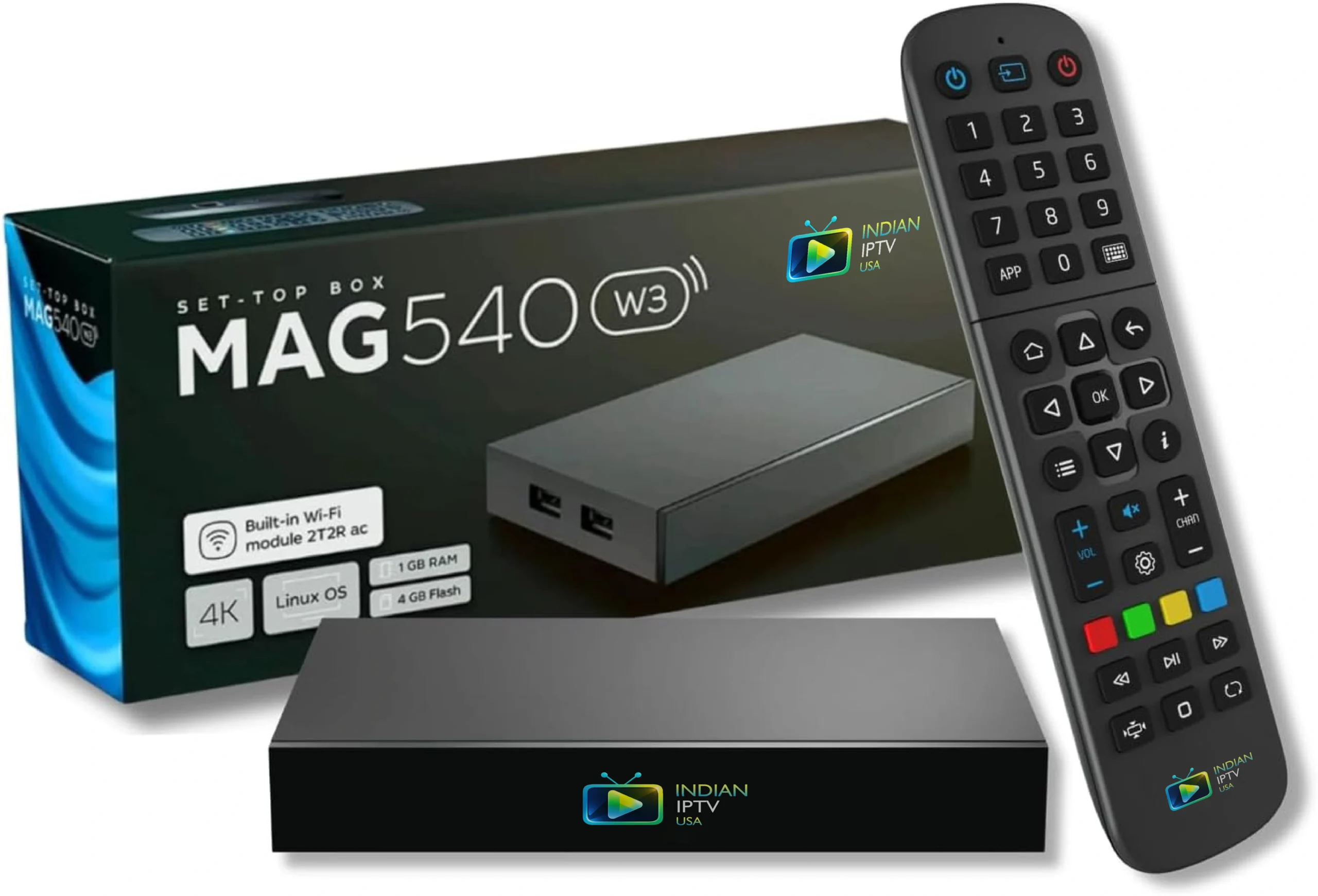
MAG540w3 + 1 Year
The simplest box we sell, on the shortest term.
- 4K HDR
- Plug and play
- One-time sign-in
- Wi-Fi + LAN
$240$200
$16.67/mo over 1 year
Learn More Buy Now

IPTV Boxes & Streaming Devices · USA & Canada
22 ready-to-use packages. Every device ships pre-configured with your service already bundled — one payment, no monthly fee, nothing to install. Linux boxes, Android boxes and streaming sticks, from $100.
Every package includes one or five years of IPTV service, paid once. No monthly fee and nothing recurring on your card.
Your credentials are loaded at our end. Connect HDMI, join your Wi-Fi, sign in — there is no software step.
Rewind and pause live television, and go back through the last seven days on supported channels.
16 boxes across three platforms. Linux models boot straight into live television with nothing to maintain. Android models add apps, games and a browser on the same device. Filter by platform or by service term to narrow it down.
Linux
The simplest box we sell, on the shortest term.
$240$200
$16.67/mo over 1 year
Learn More Buy Now
Linux
Boots straight into television. Nothing to learn, nothing to maintain.
$360$330
$5.50/mo over 5 years
Learn More Buy Now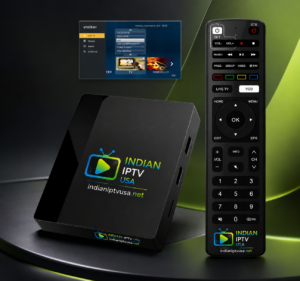
Linux
Biggest discount in the range. The easiest way in for a first-time buyer.
$300$169
$14.08/mo over 1 year
Learn More Buy Now
Linux
Our longest-running bundle. Fewest support calls of anything we ship.
$400$299
$4.98/mo over 5 years
Learn More Buy Now
Android TV
Android box on a twelve-month term. Reassess after a year, keep the box.
$240$205
$17.08/mo over 1 year
Learn More Buy Now
Android TV
Same 544w3 hardware, keener price. The value pick if you want Android.
$360$330
$5.50/mo over 5 years
Learn More Buy Now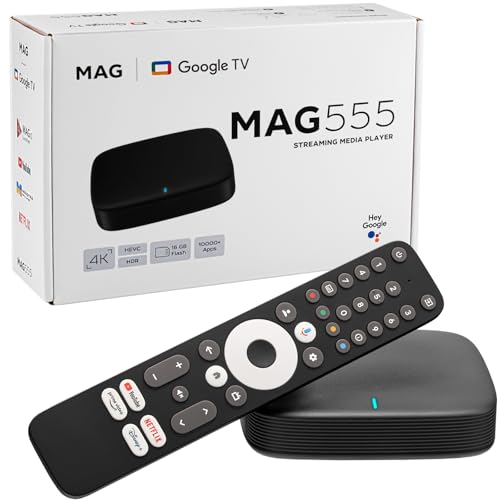
Google TV
The Dolby-capable box without a five-year commitment.
$250$190
$15.83/mo over 1 year
Learn More Buy Now
Google TV
Audio passthrough to a soundbar. Best sound chain in the range.
$329
$5.48/mo over 5 years
Learn More Buy Now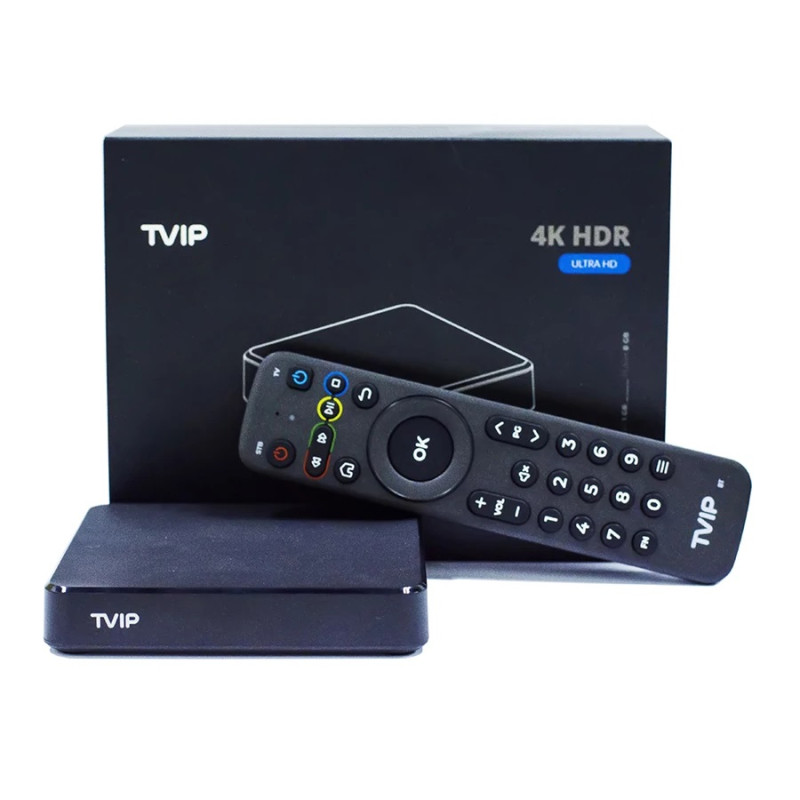
IPTV-native
Dedicated IPTV hardware on a twelve-month term.
$240$190
$15.83/mo over 1 year
Learn More Buy Now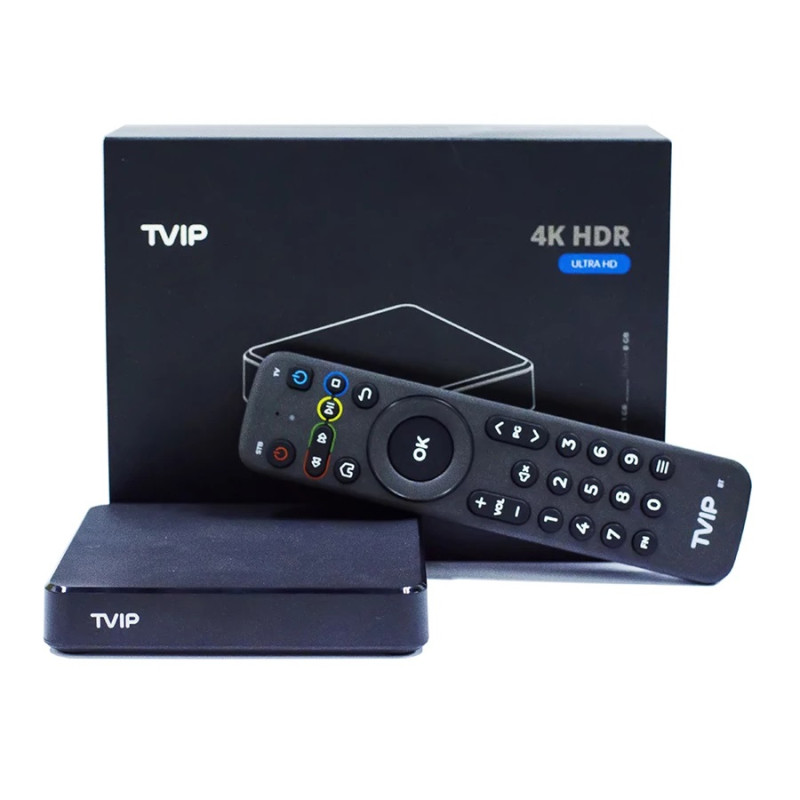
IPTV-native
Purpose-built for IPTV. Channel changes are noticeably quicker.
$360$300
$5.00/mo over 5 years
Learn More Buy Now
Android
Formuler build quality at the most accessible price we offer.
$270$199
$16.58/mo over 1 year
Learn More Buy Now
Android
The sensible middle model. Plenty for a main television.
$500$349
$5.82/mo over 5 years
Learn More Buy Now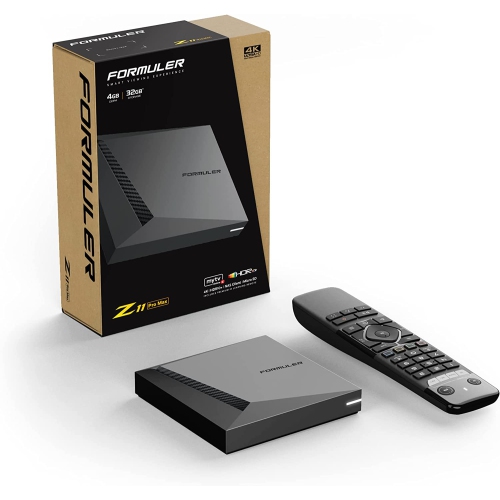
Android 11
Flagship hardware, flexible term. Good for renters and students.
$380$299
$24.92/mo over 1 year
Learn More Buy Now
Android
Wi-Fi 6 holds steady on a crowded home network. Our fastest box.
$550$499
$8.32/mo over 5 years
Learn More Buy Now
Android 11
Premium hardware paired with our longest service term.
$600$499
$8.32/mo over 5 years
Learn More Buy Now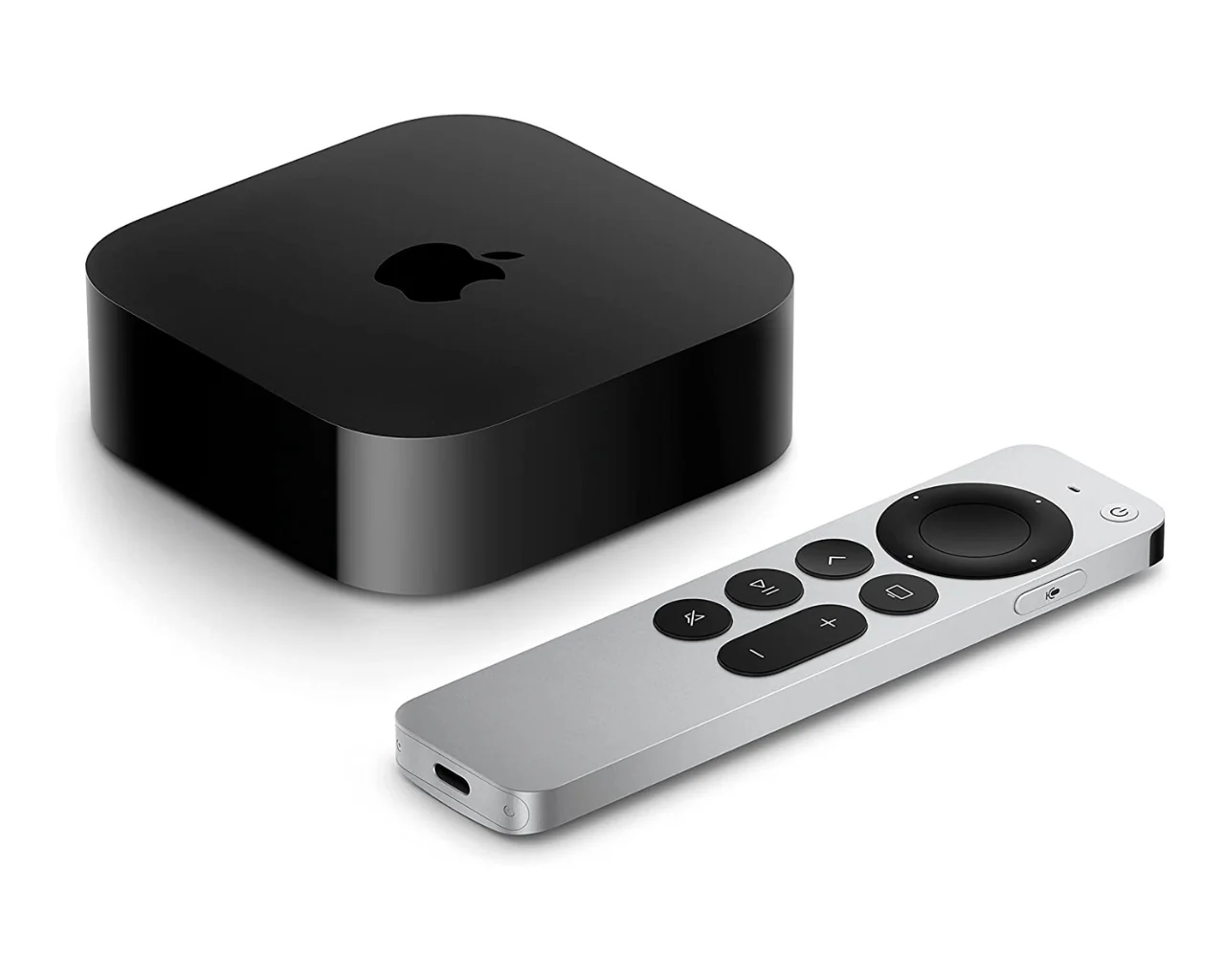
tvOS
Fastest and best-built device here. Worth it in an Apple household.
$400$350
$5.83/mo over 5 years
Learn More Buy NowA stick hides behind the screen, draws power from one adapter and travels easily. On a bedroom or kitchen television the picture difference against a full box is hard to see, and the saving is real. For a large main television, a box still wins.
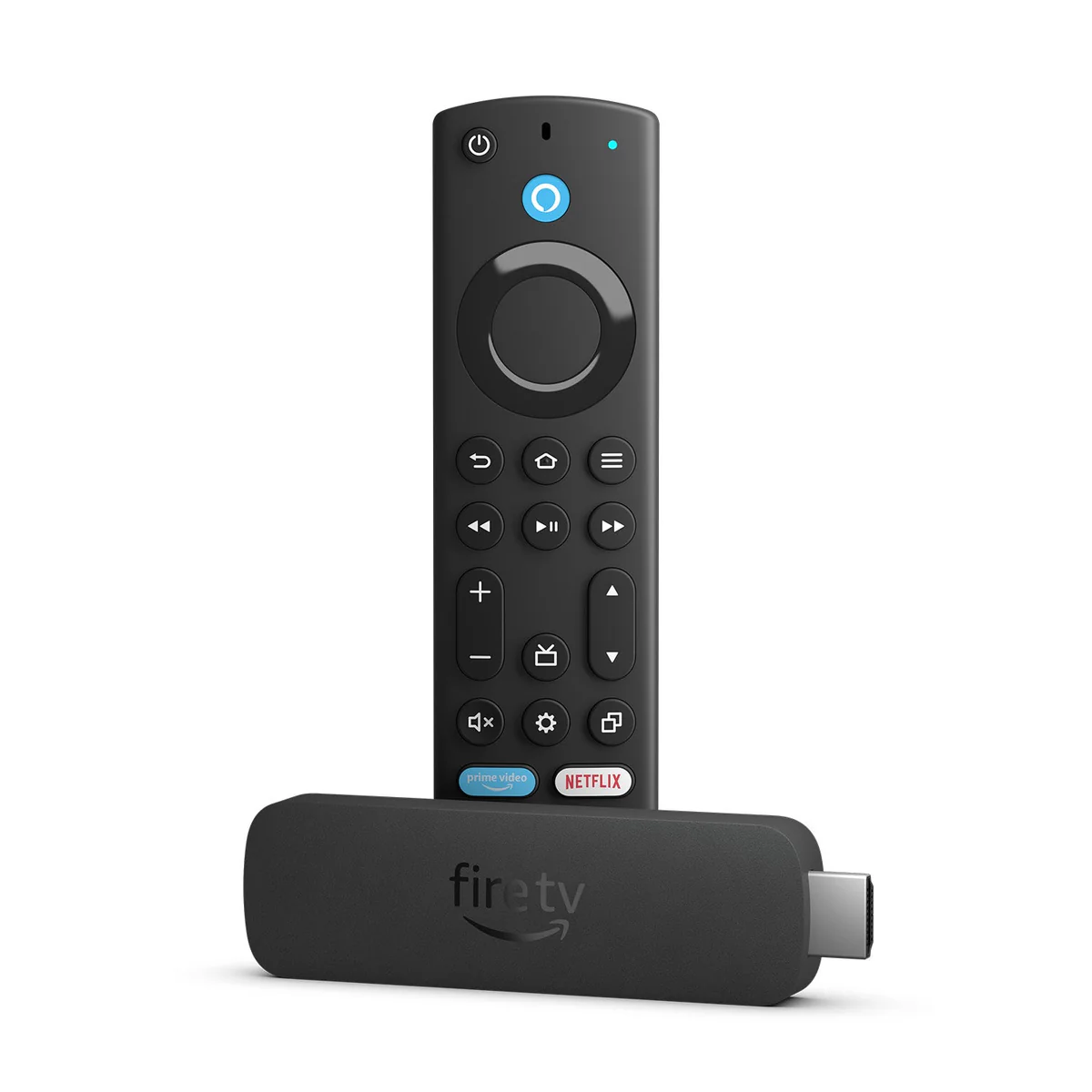
Stick
Our entry-level package. Everything for one TV, one year.
$100
$8.33/mo over 1 year
Learn More Buy Now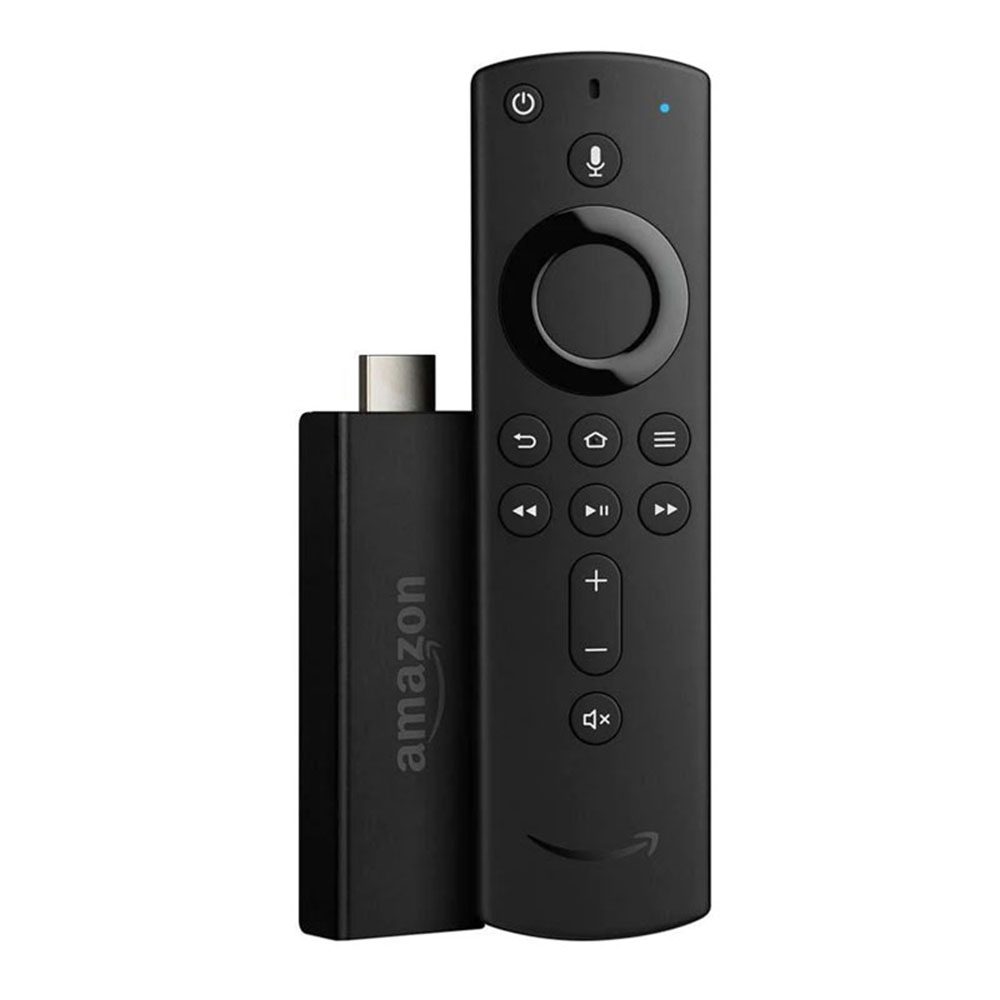
Stick
Lowest-cost complete package. Plug in, sign in, watch.
$190$160
$13.33/mo over 1 year
Learn More Buy Now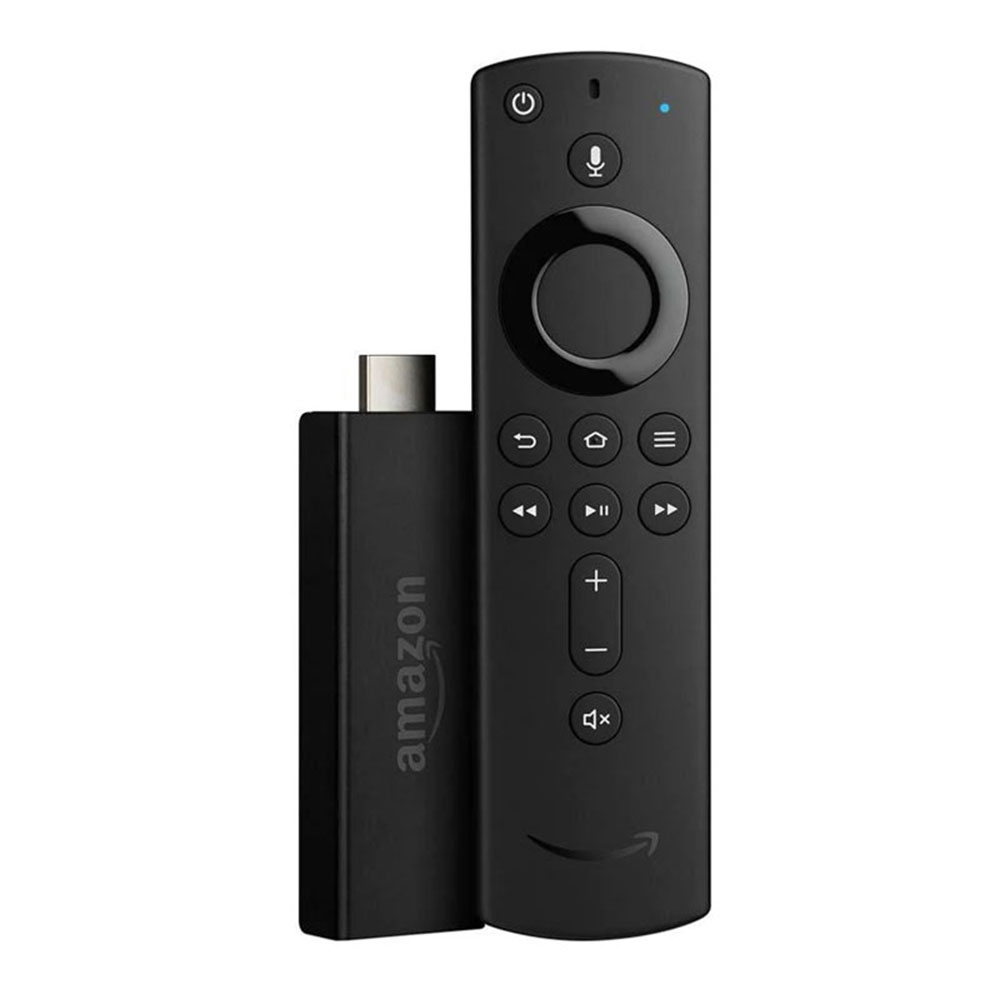
Stick
Disappears behind the screen. Travels well, ideal second TV.
$330$270
$4.50/mo over 5 years
Learn More Buy Now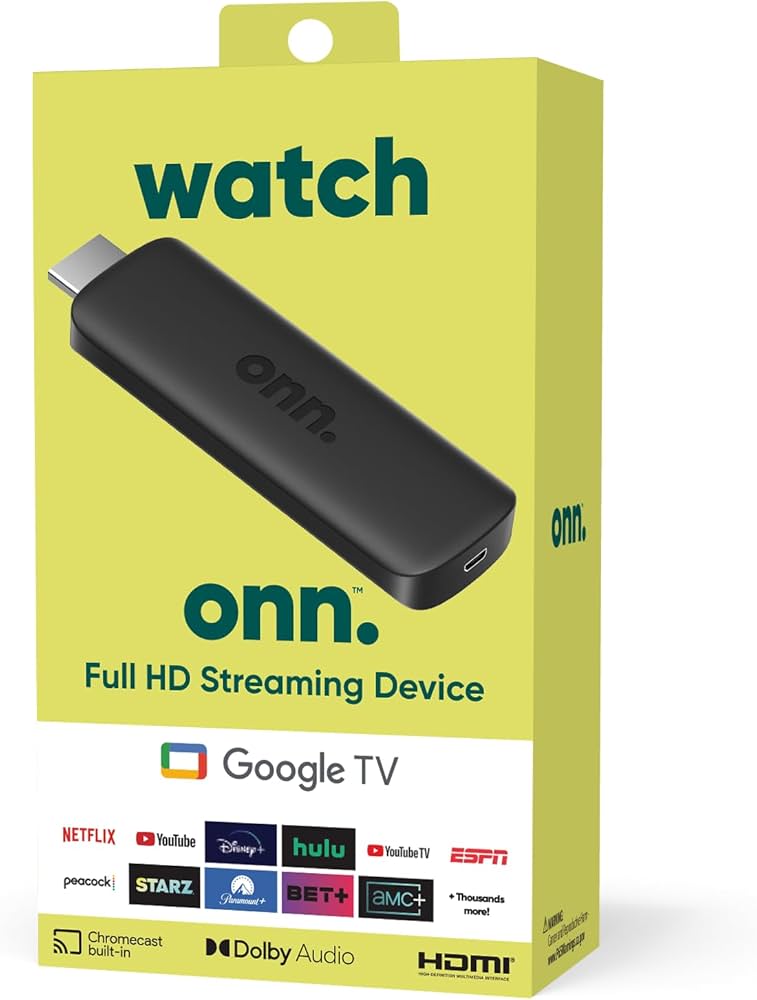
Stick
Lowest monthly cost of any five-year bundle. Ideal for smaller screens.
$350$290
$4.83/mo over 5 years
Learn More Buy Now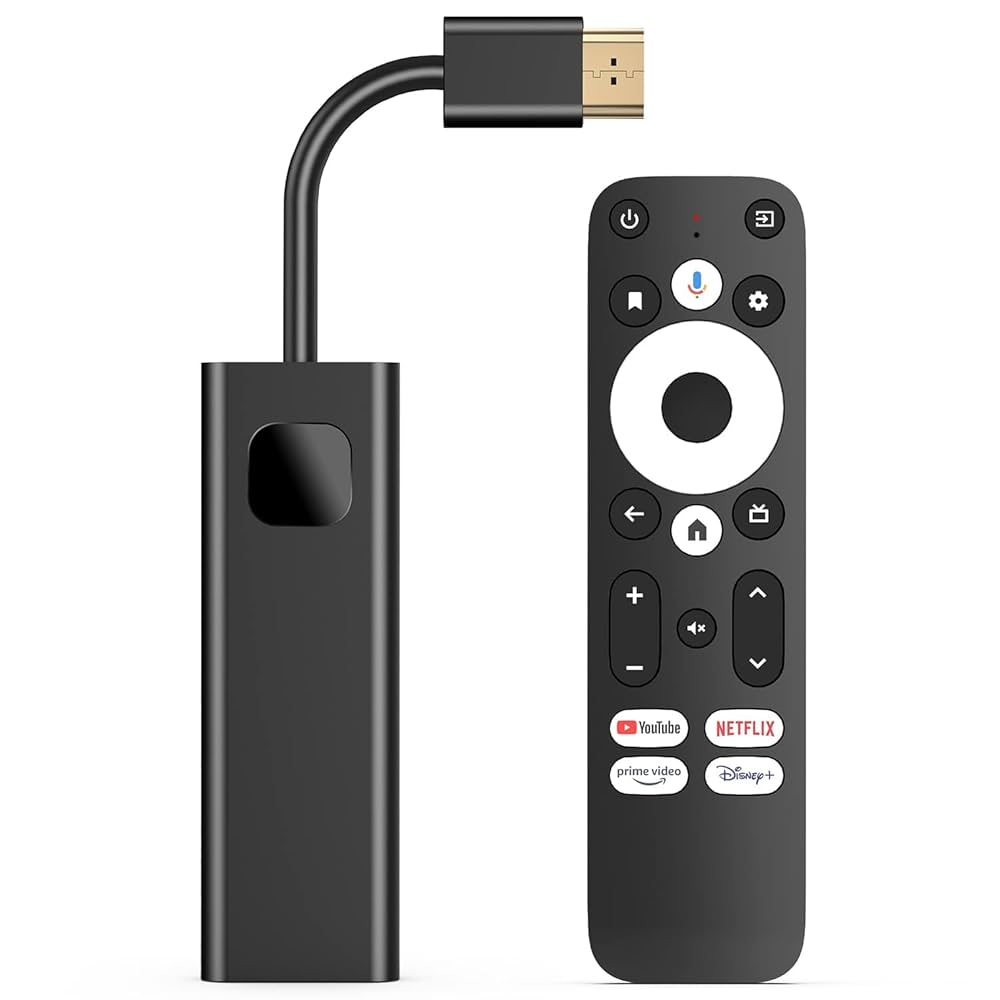
Stick
Voice search that actually works. Far faster than typing with a d-pad.
$400$340
$5.67/mo over 5 years
Learn More Buy Now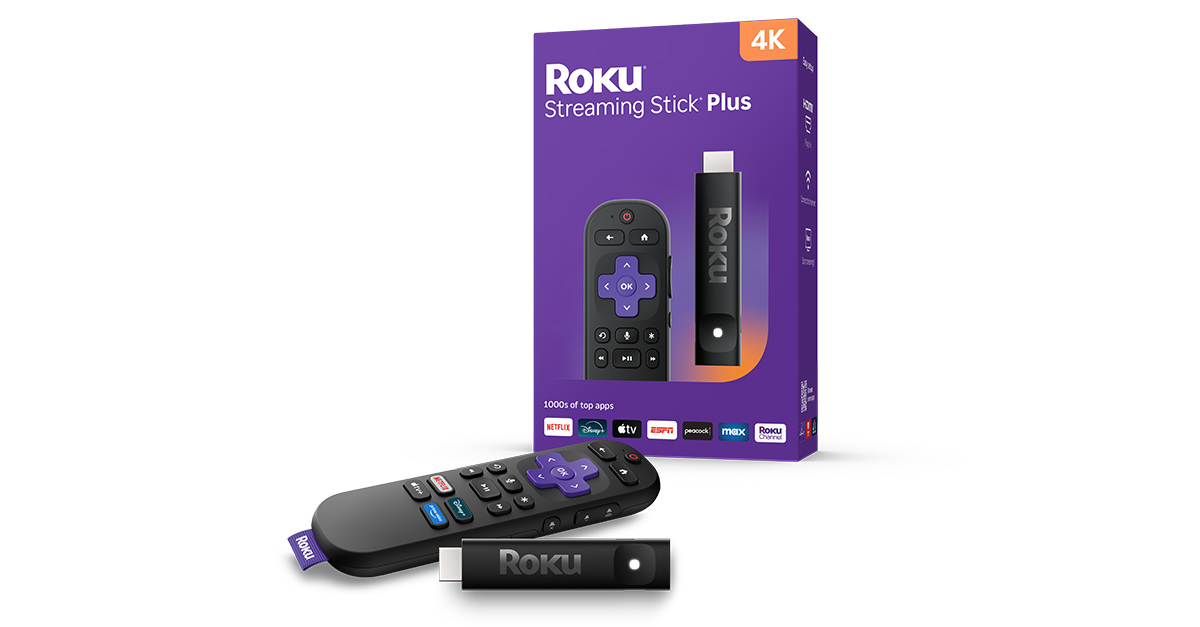
Stick
Simplest 4K interface going. Easy to hand to a non-technical viewer.
$450$370
$6.17/mo over 5 years
Learn More Buy NowBecause the service is bundled into the price, the honest comparison is what each package works out to per month across its term — hardware included. Here are the eight strongest on that measure.
| Package | Platform | Pay once | Term | Per month |
|---|---|---|---|---|
| Fire TV Stick + 5 Years | Stick | $270 | 5 yr | $4.50 |
| Onn Android Stick + 5 Years | Stick | $290 | 5 yr | $4.83 |
| Linux MAG + 5 Years | Linux | $299 | 5 yr | $4.98 |
| TVIP Box + 5 Years | IPTV-native | $300 | 5 yr | $5.00 |
| MAG555 + 5 Years | Google TV | $329 | 5 yr | $5.48 |
| MAG544w3 + 5 Years (Bundle) | Android TV | $330 | 5 yr | $5.50 |
| MAG540w3 + 5 Years | Linux | $330 | 5 yr | $5.50 |
Lowest overall is the Fire TV Stick + 5 Years at $4.50 a month including the device. Cheapest per month is not always the right answer, though — see the platform guide below.
This is the only decision that really matters. It comes down to whether you want a television that behaves like a television, a small computer under the TV, or something cheap and invisible on a second screen.
| Linux box | Android box | Streaming stick | |
|---|---|---|---|
| Setup | Plug and play | Short guided setup | Short guided setup |
| Interface | Boots to live TV | App home screen | App home screen |
| Other apps | No | Yes | Yes |
| Picture | 4K HDR | 4K HDR | HD or 4K by model |
| Wired Ethernet | Yes | Yes | No |
| Best for | Simplicity, older viewers | Main TV, mixed use | Second TV, travel |
| Learning curve | Almost none | Mild | Mild |
No engineer visit, no dish, no drilling and no cable run through the house. If you can plug in a games console you can set this up — and if you'd rather not, our team will walk you through it on the phone.
Device, remote, power adapter and HDMI cable are all included. Nothing else to buy.
HDMI into any spare port, then power. Use Wi-Fi, or plug in Ethernet for the steadiest picture.
Enter the credentials emailed to you. On Linux boxes this is the only configuration step there is.
The channel list loads and you're live. Catch-up and pause work straight away.
The five-year packages are dramatically cheaper per month because the service term carries the cost, not the hardware. If you already know IPTV suits your household, they are the obvious arithmetic.
The one-year packages exist for everyone else — first-time buyers, renters, students, anyone whose situation might change. You keep the device either way, so extending later costs you service only, never hardware again.
Still unsure? Tell us your setup — TV model, internet speed, how many rooms — and we'll tell you which device fits, including when the answer is the cheaper one.
What customers ask us most often before ordering hardware.
An IPTV set-top box is a small dedicated device that connects to your television by HDMI and streams live channels over your home internet. You do not strictly need one — the service also runs on smart TVs, phones and tablets — but a dedicated box gives smoother 4K playback, a simpler remote-driven interface, and works on older televisions with no smart features at all.
Choose a Linux box if you want it to boot straight into live television with nothing to maintain — usually the right answer where older family members are the main viewers. Choose an Android box if you also want streaming apps, games and a browser on the same device. Choose a stick for a second television, a bedroom or a smaller screen, where size and cost matter more than outright performance.
Included. Every package on this page bundles the device with either one year or five years of service, paid once at checkout. There is no monthly fee, no auto-renewal and nothing recurring on your card. When the term ends you decide whether to extend — and the device stays yours either way.
Yes. Every model ships with its remote control, power adapter and HDMI cable. There is nothing additional to purchase to get started.
No. Every device is configured before it is dispatched. Linux boxes are genuinely plug and play — connect HDMI and power, enter your credentials, and the channel list loads. Android boxes and sticks have a short guided first-run setup, but no manual software installation is needed on any model.
About 15 Mbps of stable bandwidth handles a single HD stream comfortably. For 4K playback, or when several televisions in the house are streaming at once, 25 Mbps or more is recommended. Every box supports both Wi-Fi and wired Ethernet; sticks are Wi-Fi only, and a wired connection is always the more reliable of the two.
Yes, provided the television has a free HDMI input. The device supplies all the smart functionality, so the age of the screen does not matter. This is one of the main reasons people buy a box rather than relying on a smart TV's built-in apps.
Yes — each television needs its own box or stick, since that device does the streaming. Your account covers the household, so additional rooms need hardware rather than a second subscription.
Yes. There is no installation tied to your address, no dish on the roof and no service call to arrange. Unplug it, take it to the new house, connect it to the new internet connection and sign in.
Setup assistance is included. Our team is reachable 24 hours a day by phone, email and WhatsApp, and can walk you through connecting the device step by step in English, Hindi or your regional language. Most first-time setups are completed on a single call.
Not sure which device?
Tell us your TV, your internet speed and how many rooms you need to cover. We'll recommend the right model — including when the cheaper one is the better fit.